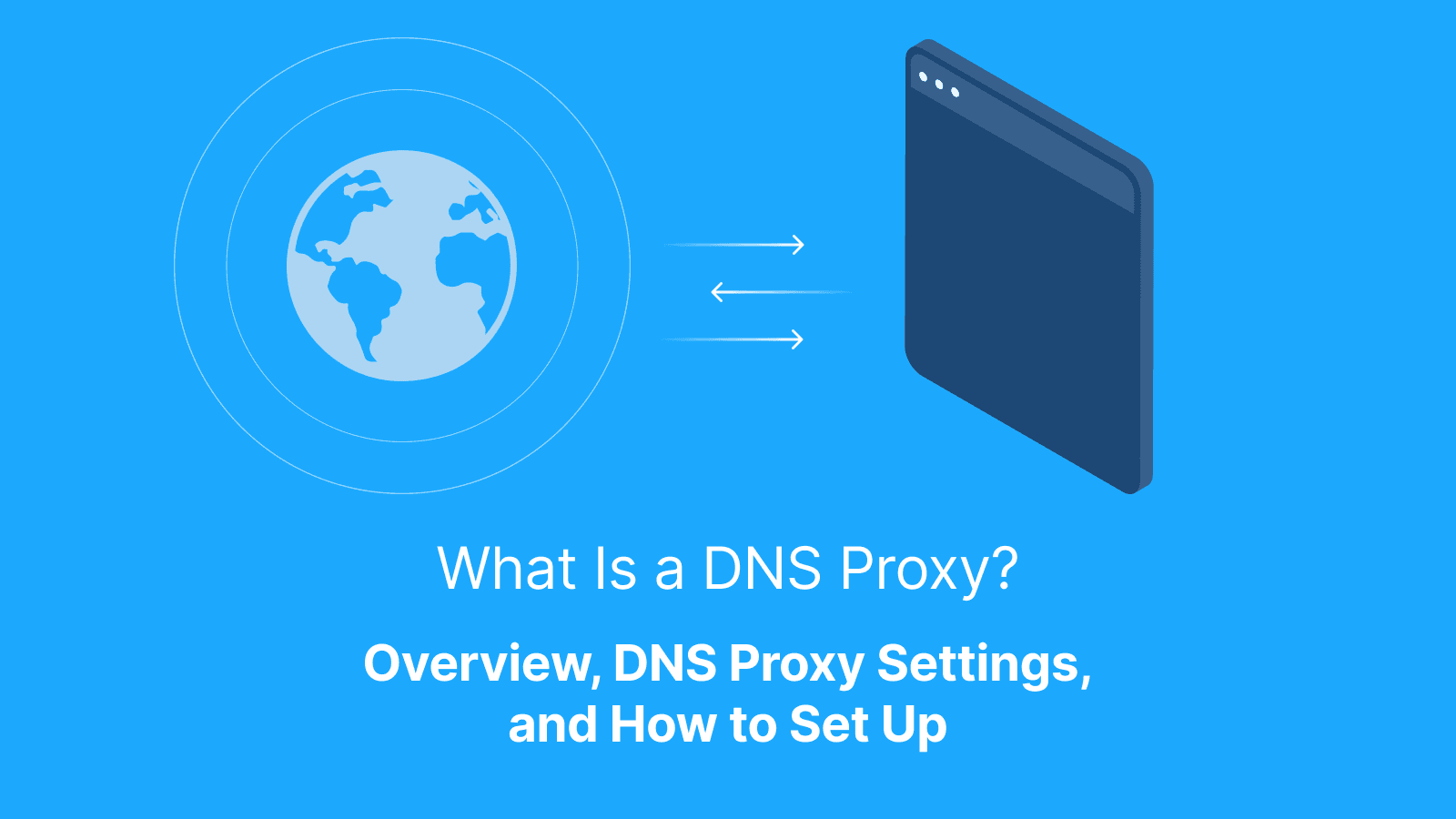

A DNS proxy is a service that answers DNS requests for devices and forwards them to upstream resolvers with caching, filtering, and policy control. Instead of every device asking the internet directly where a domain exists, devices send requests to one trusted DNS service.
That control matters because DNS requests often expose the first sign of malicious activity. According to DNSFilter’s 2024 Annual Security Report, one out of every 174 DNS requests matched a malicious destination. Networks without centralized DNS control often struggle with inconsistent policies, weak visibility, and slower troubleshooting.
A DNS proxy solves those problems through one controlled DNS path. Teams can cache responses, block risky domains, inspect requests, and apply the same DNS rules across every device. As cloud apps, remote work, and distributed devices increase, an understanding of the DNS proxy setup and how to set it up becomes more important for both reliability and security.
What Is a DNS Proxy?
A DNS proxy is an intermediary service that receives Domain Name System (DNS) requests from users or applications. It then forwards those requests to DNS servers and returns the resolved IP address back to the client. Instead of devices communicating directly with external DNS resolvers, the proxy sits in between and controls how domain lookups are handled across a network.
Depending on the configuration, a DNS proxy can log requests, apply allowlists or blocklists, redirect traffic, or integrate with broader security systems such as firewalls and secure web gateways. Organizations often use DNS proxies to enforce security policies, block malicious or restricted domains, improve DNS response times through caching, or route requests through specific geographic or network paths.
DNS Proxy in a Simple Example
When you type a website like “example.com” into your browser, your device needs the site’s IP address to connect to it. Instead of asking the internet directly, the request first goes to the DNS proxy. The proxy checks the request, decides whether the website is allowed, looks up the correct IP address, and then sends the answer back to your device.
What a DNS Proxy Is Not
A DNS proxy is not a VPN. It does not encrypt all internet traffic or create a private tunnel between the device and another server.
It is also not a web proxy. A web proxy forwards web requests and can change the public IP address that websites see. A DNS proxy intermediates DNS lookups and can cache, filter, log, or rewrite DNS responses before returning them to clients. It does not automatically hide browsing activity or prevent online tracking.
Why People Confuse DNS Proxy with Web Proxy
People often confuse DNS proxies with web proxies because both sit between a user and the internet and influence how traffic reaches websites. The key difference is that a DNS proxy handles DNS resolution, while a web proxy handles application traffic itself. A DNS proxy decides how domain lookups are resolved before the connection is established, while a web proxy sits in the path of the web traffic after the connection starts.
How Does a DNS Proxy Work?
A DNS proxy works by intercepting DNS requests before they reach external DNS servers. When a user enters a domain name, the proxy receives the request and checks it against configured rules or filters. It then forwards the lookup to a DNS resolver and returns the resulting IP address to the user.
Depending on the setup, it can also block domains, cache results, log requests, or redirect traffic before the connection is established. This process improves consistency across devices and reduces repeated DNS traffic. Many DNS proxies also log requests for troubleshooting and security review.
Caching and TTL Basics
Caching allows the DNS proxy to reuse recent DNS answers. This reduces lookup delays and lowers upstream DNS traffic. Meanwhile, TTL (time to live) defines how long a cached answer stays valid. Short TTL values reduce cache efficiency, while long TTL values can keep outdated records active too long.
Filtering and Policy Checks
DNS filtering applies rules to domain requests. The DNS proxy can allow, block, or warn based on those rules. Many organizations are able to block malicious or restricted domains through DNS policies, which creates a consistent filtering layer across the network.
Upstream Resolvers
An upstream resolver is the DNS server that a DNS proxy forwards requests to for domain resolution. The DNS proxy acts as an intermediary layer that receives, filters, or logs DNS requests, while the upstream resolver performs the actual lookup against the wider DNS infrastructure and returns the corresponding IP address. Reliable upstream resolvers improve DNS speed and stability, while poor upstream choices can increase delays and failed lookups.
What Is a DNS Proxy Server Used for?
A DNS proxy server is used to control, filter, and manage how domain name requests are resolved within a network. It sits between users and external DNS resolvers, and allows organizations to enforce access policies, block malicious or unwanted domains, improve lookup performance through caching, and monitor DNS traffic.
Most DNS proxy setups focus on three practical goals. These include faster repeat lookups, easier DNS control across many devices, and better visibility into suspicious domain requests.
Faster Repeat Lookups
Many devices request the same domains every day. A DNS proxy stores recent answers and returns them faster during future requests, which reduces lookup delays and lowers repeated traffic to upstream resolvers.
Central Management
A DNS proxy lets teams manage DNS behavior from one place. Administrators can update DNS rules once instead of changing settings on every device. Many networks use DHCP to distribute the DNS proxy address automatically, which keeps DNS settings consistent and reduces configuration mistakes.
Security Visibility
DNS requests often reveal suspicious activity before a device connects to a malicious service. With a DNS proxy, teams can spot risky domains early and block them quickly. Centralized DNS logs also simplify troubleshooting because teams can review DNS activity from one location.
What Are the Benefits and Limits of a DNS Proxy?
A DNS proxy improves DNS speed, centralizes DNS control, and adds a basic layer of domain-level security. At the same time, it does not encrypt web traffic, hide all online activity, or stop every type of threat.
The main value comes from consistency across devices. Teams get one place to apply DNS rules, inspect requests, and troubleshoot DNS issues.
Privacy Trade-offs
A DNS proxy improves control and visibility over domain lookups, but it also introduces privacy trade-offs because it sits in the middle of all DNS traffic. This position gives it the ability to see every domain a user tries to access, which can create a centralized point of tracking if logs are stored or misused.
At the same time, the proxy may forward requests to upstream resolvers. This means DNS data can still leave the local network, depending on configuration. While this setup may improve security, it also concentrates sensitive browsing metadata in one place. This makes proper logging policies, encryption (like DNS-over-HTTPS), and access controls important for protecting user privacy.
What it Can and Cannot Protect
A DNS proxy can block known malicious domains and reduce access to risky destinations. It can also help prevent devices from connecting to fake or mistyped domains.
However, it cannot secure unsafe downloads after access is allowed. It also may not protect traffic content unless the network uses encryption and additional security controls.
Further reading: 8 Best Rotating Proxies in 2026 (Tested and Ranked) and What is an HTTP Cookie? Definition, What It Does, and How It Works.
DNS Proxy vs VPN vs Web Proxy: What’s the Difference?
A DNS proxy, VPN, and web proxy all sit between a user and the internet, but each operates differently and affects different parts of the connection.
A DNS proxy only handles domain lookups. It decides where a request should go by translating domain names into IP addresses and can block or filter domains before any connection starts.
A web proxy works after that point. It sits in the path of web traffic and can inspect, modify, or route HTTP and HTTPS requests as they move between the user and websites.
Meanwhile, a VPN goes further by encrypting all device traffic and routing it through a secure tunnel. It covers DNS requests, web traffic, and app traffic in one layer.
Which One Solves Which Problem?
Each tool solves a different type of network problem depending on what you are trying to control or protect. If the goal is centralized filtering and DNS control across many devices, a DNS proxy fits best. A VPN is an ideal choice when the goal is secure browsing on public Wi-Fi. However, if the goal is testing how a website appears from another region, a web proxy fits because it changes request routing and location.
What are DNS/Proxy Settings on Devices?
DNS/Proxy settings on a device are configuration options that control how the device connects to websites and routes internet traffic. They determine where domain name lookups go (DNS) and whether traffic passes through an intermediary server before reaching the internet (proxy).
DNS settings define which servers translate domain names into IP addresses. Changing them can affect speed, filtering, and access to certain websites, depending on the resolver used.
Proxy settings, on the other hand, decide whether the device sends its traffic through a proxy server first. This can be used to filter content, enforce network rules, improve monitoring, or access restricted networks.
DNS Settings vs Proxy Settings
DNS settings determine how domain names are resolved into IP addresses. In other words, when you type a website address, these settings decide which DNS server performs the lookup, which can affect speed, filtering, and access reliability.
Meanwhile, proxy settings control how your device sends internet traffic after the domain has already been resolved. Instead of connecting directly to a website, your traffic is routed through a proxy server that can filter, monitor, or modify requests.
System-wide vs Per-app Settings
System-wide settings apply to the entire device. Any DNS or proxy configuration set at this level affects all apps and system traffic unless explicitly overridden, making it the default route for internet connectivity.
In contrast, per-app settings apply only to specific applications. These allow certain apps to use different network rules while the rest of the system continues using the global configuration.
What Is Cloudflare DNS Proxy?
Cloudflare DNS proxy refers to Cloudflare’s “proxied” DNS records feature. It routes web traffic through Cloudflare’s edge network instead of sending it directly to the origin server. This adds performance, security, and origin protection at the domain level. This feature looks similar to a DNS proxy on a local network, but it works at the public DNS and traffic routing layer, not inside a home or office network.
Proxied vs DNS-only Records
A DNS-only record simply resolves a domain to an IP address and lets the device connect directly to the destination. A proxy, on the other hand, sits in the middle of the connection and handles the request itself before it reaches the server. While DNS-only records point you to the server, proxies sit between you and it.
When Cloudflare Proxying Is a Good Fit
Cloudflare proxying is a good fit when you need to protect origin servers from direct exposure while improving performance and reliability. It works well for websites that require DDoS protection, basic bot filtering, and cached content delivery to reduce server load.
It is also useful when you want to hide origin IP addresses, enforce security rules at the edge, and improve global access speed through Cloudflare’s distributed network. Teams should verify compatibility before enabling proxy mode to avoid service disruptions.
How Do You Set Up a DNS Proxy Server?
Setting up a DNS proxy server involves configuring how it receives, processes, and forwards DNS requests, then directing client traffic through it. The steps below outline the setup flow:
-
Install DNS Proxy Software: Deploy a DNS proxy tool on a server or network device that will handle incoming DNS requests.
-
Configure Listening Interface: Set the proxy to listen on the correct IP address and port for client queries.
-
Define Upstream Resolvers: Add DNS servers that the proxy will forward unresolved queries to for actual domain resolution.
-
Set Rules and Policies: Configure caching, domain blocking, logging, or filtering based on your network requirements.
-
Point Clients to the Proxy: Update DHCP or device network settings so all DNS traffic routes through the DNS proxy server.
DNS proxy setup varies depending on the environment, with different approaches needed for home networks, business infrastructures, and DHCP-based rollouts.
Home Setup Approach
In a home setup, a DNS proxy is usually configured at the router level so all connected devices inherit the same settings. After installing or enabling the DNS proxy, the router’s DNS fields are updated to point to the proxy’s local IP address, and upstream resolvers are defined for external lookups.
From there, basic rules like ad blocking, content filtering, or custom DNS routing can be applied if needed. This approach keeps configuration simple since one change at the router level covers the entire home network without needing per-device setup.
Business Setup Approach
In a business setup, a DNS proxy is deployed on centralized infrastructure, like a gateway or cloud DNS service, and configured with upstream resolvers first. Centralized policies are then applied for filtering, logging, and access control based on departments or user groups.
Unlike home setups, configuration is usually integrated with enterprise directory services so rules can be enforced per user, device, or role. This approach prioritizes scalability, auditability, and consistent policy enforcement across the entire organization.
DHCP Rollout
A DHCP rollout applies DNS proxy settings automatically to devices as they join the network. Instead of configuring each device manually, the DHCP server distributes the DNS proxy address to all clients during IP assignment. This approach simplifies large deployments and keeps DNS settings consistent across the network.
How Do DNS Proxy Policies Work in Enterprise Gateways?
DNS proxy policies in enterprise gateways inspect DNS requests and apply predefined rules before domain resolution is completed. These rules can allow, block, redirect, or log requests based on domains, categories, user groups, device types, or security policies. The gateway then forwards approved requests to upstream resolvers, while restricted requests are denied or redirected according to the configured policy.
Safe Defaults for Policies
Start with tighter rules and open access only where it is actually needed. That approach keeps unnecessary domains, ports, and services from slipping through simply because the policy was too broad from the beginning.
It also helps to turn on logging, basic threat filtering, and rate limits early so you can spot unusual traffic before it turns into a larger issue.
Exception Handling
Exception handling allows specific domains to bypass standard DNS rules when business needs demand it. It is commonly used when legitimate business tools, applications, or third-party services fail because filtering or access rules are too restrictive.
The best approach is to first confirm what domain or request is being blocked and why the policy triggered. From there, create narrow exceptions tied to specific domains or services instead of broad allow rules that weaken the policy. It also helps to document every exception and review them regularly so temporary workarounds do not become permanent security gaps.
What Does “Dynamic DNS Update A Record” Mean and Why Does it Show Up in DNS Proxy Searches?
A dynamic DNS update for an A record means the IP address linked to a domain name is updated automatically when the underlying device or server IP changes. The “A record” itself is the DNS record that maps a domain name to an IPv4 address.
This term often appears in DNS proxy searches because DNS proxies process, cache, and forward DNS records, including dynamic updates. In enterprise or managed networks, DNS proxies may also inspect or log these updates as part of traffic management, policy enforcement, or internal DNS synchronization.
How this Relates to Reverse Proxy Tools
Reverse proxy tools depend on stable domain resolution to reach a server correctly. Dynamic DNS solves the problem of changing IP addresses. It keeps the domain pointed to the correct server even when the ISP assigns a new IP. This allows reverse proxy setups to remain accessible without manual DNS updates.
What Problems Can a DNS Proxy Cause?
A DNS proxy can create issues when configuration or policies are not aligned with network needs. These issues usually show up as inconsistent website access, delayed updates, or unexpected blocking of legitimate services. The two main causes behind these problems are cache behavior and DNS bypass patterns.
Stale Cache and Negative Caching
A DNS proxy can store old DNS answers and return them after the record has changed. This creates temporary access issues for updated or newly launched services.
Negative caching can also store failed lookups. A domain that was recently fixed may still appear unreachable until the cache expires or resets. This usually resolves after TTL expiration or cache clearing.
Bypass Behavior
Some devices or applications ignore network DNS settings and use their own DNS methods. This creates inconsistent behavior across the same network.
One device may follow DNS rules, while another connects directly to external resolvers. This mismatch leads to confusion during troubleshooting. Enforcing DNS rules at the network gateway reduces these inconsistencies.
How Do You Troubleshoot DNS Proxy Issues?
DNS proxy issues can cause failed domain lookups, slow responses, or inconsistent access across devices and applications. Here is a step-by-step process to isolate the problem and identify where the resolution is failing.
-
Confirm DNS Proxy Usage on the Device: Verify the device uses the correct DNS proxy IP address instead of the default ISP DNS. Many failures come from bypassed settings at the device or router level.
-
Test a Known Domain: Use a stable domain like a major website and check resolution. Compare results with a public resolver to identify whether the issue sits in the DNS proxy or upstream path.
-
Check DNS Policy Rules: Review whether domain filtering rules block the request. Many “failures” come from intentional allow/deny policies rather than technical errors.
-
Validate Upstream Resolver Health: Confirm upstream DNS servers respond correctly. Slow or unreachable upstream resolvers cause timeouts and inconsistent lookup results.
-
Check Cache Behavior: Inspect whether cached records return outdated or incorrect responses. Cached negative responses can also make valid domains appear unreachable.
-
Review Logs for Patterns: Look at domain, timestamp, response status, cache hit or miss, upstream used, and block reason. This helps identify repeated failures and misconfigurations quickly.
Quick Checks You Can Do First
Confirm the device uses the correct DNS proxy address because many failures come from devices that still use default DNS settings. Then test one stable domain, such as a major website, and compare the result with a public DNS resolver. This shows whether the fault sits in the DNS proxy or the upstream path.
Check the DNS policy rules next. A domain may fail because a filter blocks it, not because resolution breaks.
What to Log During Troubleshooting
Logs must show clear resolution details for each request. Capture the domain, timestamp, result, and upstream resolver used. Include cache hit or miss status and block reason when a rule applies. These details reveal patterns like repeated upstream failure or unintended policy blocks without repeated manual testing.
How Do Outbound Proxies Relate to DNS Proxy Work?
Outbound proxies and DNS proxies work at different layers of the network, but they often complement each other in real-world setups. A DNS proxy resolves domain names into IP addresses, while an outbound proxy controls how the actual web traffic travels after that resolution. In other words, DNS answers “where to go,” and outbound proxies control “how you get there and from where you appear to connect.”
How Can Live Proxies Help Test DNS and Website Behavior Across Regions?
A DNS proxy helps control where domain lookups go, but it does not show how a website behaves for users connecting from different locations, IP types, or networks. This becomes a problem when teams need to test regional content, CDN routing, access rules, localized pricing, or website behavior after DNS resolution is complete.
Live Proxies is a strong solution for that outbound testing layer. It gives teams access to rotating residential and mobile proxies across 55+ countries, with city-level targeting for more accurate regional checks. This helps QA, SEO, scraping, and security teams compare how the same website responds from different markets without setting up physical infrastructure in each location.
For longer workflows, Live Proxies supports sticky sessions that keep the same IP active for up to 24 hours. This helps testers validate login flows, localized pages, rate limits, and session-based behavior more consistently. Its private IP allocation also reduces overlap with other users on the same target, creating cleaner conditions for DNS-related website QA, regional testing, and controlled outbound traffic workflows.
Further reading: What Is Proxy Testing? Best Tools and How to Test Proxies Online and How Live Proxies Help Prevent IP Bans in Large-Scale Web Scraping.
Conclusion
A DNS proxy centralizes how devices resolve domain names and gives networks one control point for speed, filtering, and visibility. When configured correctly, they improve visibility, enforce policies, and add a layer of control without interrupting normal browsing. Ensure you define clear rules, use reliable upstream resolvers, and troubleshoot methodically so it stays stable and predictable in real use.
FAQs
Does a DNS proxy hide my IP address?
A DNS proxy does not hide your public IP address. It only handles domain name lookups between devices and DNS resolvers. Your traffic still connects directly to websites unless you use a VPN or outbound proxy. Choose DNS control when you need filtering, not anonymity.
Can a DNS proxy make my internet faster?
A DNS proxy can improve speed for repeat domain lookups through caching. It reduces time spent resolving common domains across devices but does not improve download speed or server performance. Measure performance before and after setup to confirm gains.
Why do some apps ignore my DNS proxy settings?
Some apps use built-in DNS methods or bypass system settings. They may connect directly to external resolvers instead of the network DNS proxy, which creates inconsistent behavior across devices. Test at the network level if consistency matters.
What should I log and for how long?
Log domain requests, timestamps, response results, and upstream resolver data as logs help with troubleshooting and security review. Keep retention short and limit access to reduce privacy exposure. Also, adjust retention based on compliance needs.
Will Cloudflare's proxied DNS replace a DNS proxy on my network?
Cloudflare proxied DNS works at the public domain level, not inside local networks. It protects and accelerates traffic to your domain, whereas a DNS proxy controls internal device DNS behavior. Use both when you need edge protection plus internal DNS control, as each serves a different layer of the network stack.
What is the easiest safe home setup?
Start with a basic DNS proxy on your router or local device. Use caching first and apply light filtering rules. Ensure you point all home devices to the DNS proxy through router settings and test stability on one device before full rollout. This reduces risk during initial configuration.
How can Live Proxies help with DNS and website QA?
Live Proxies helps validate how websites behave from different real-world locations. It routes requests through controlled outbound endpoints while DNS stays consistent. This separation helps identify whether differences come from DNS resolution, CDN behavior, or regional routing rules. Use a small set of pages and compare results across regions to confirm consistency before scaling.