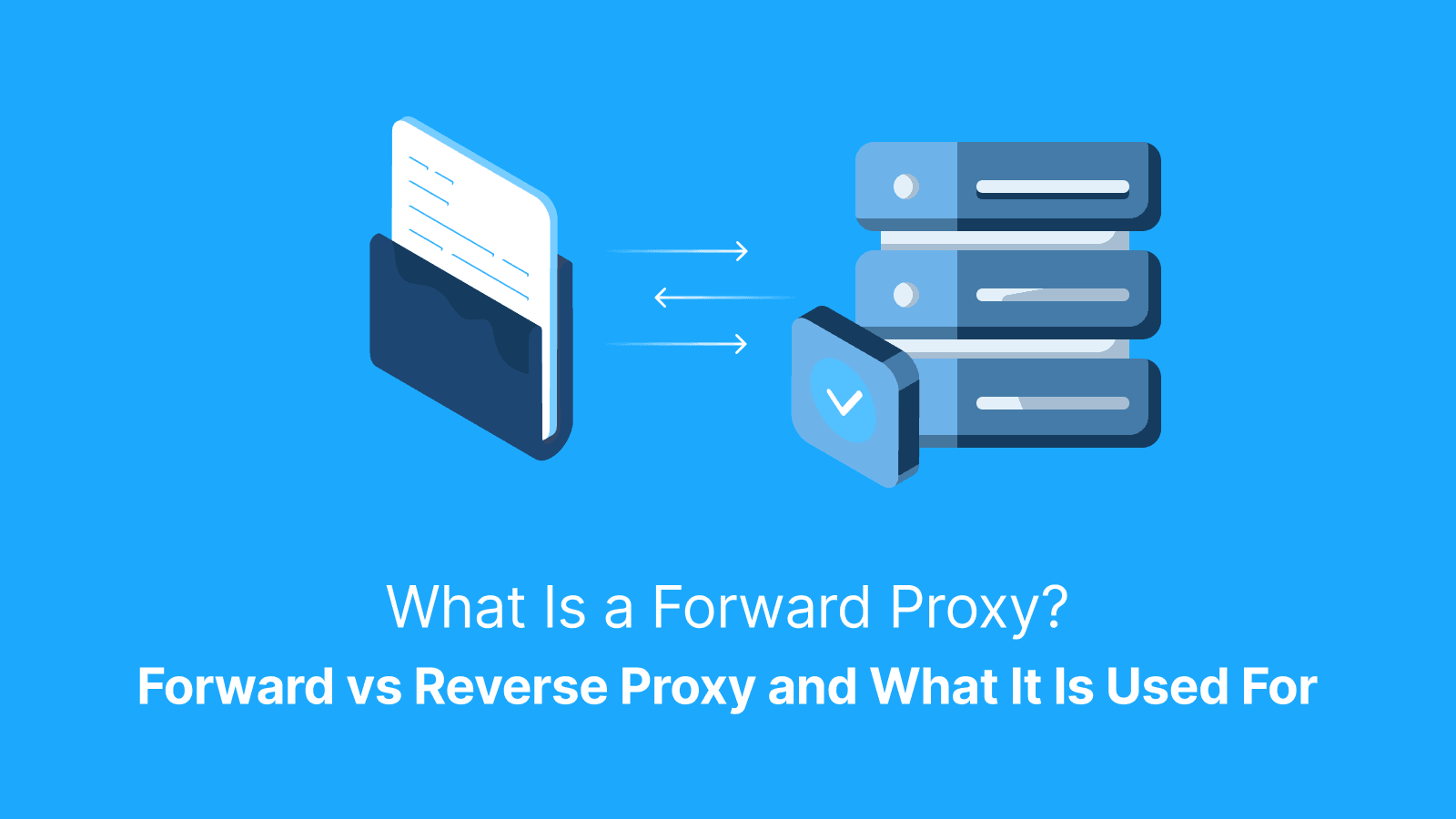

A forward proxy is a server that sits between a private client and the public web. This server sends requests on the client’s behalf and returns the responses. A reverse proxy, on the other hand, sits in front of servers and acts as their proxy to the outside world.
In this article, you’ll get a side-by-side comparison and the core use cases for both proxy types. You’ll also get a clear look at how requests flow, key features, setup basics, and logs and headers. Additionally, you’ll get a brief buyer checklist and examples of real-team security risks.
What is a Forward Proxy?
From the client's perspective, your browser or app first talks to a forward proxy. The proxy fetches the page and hands it back to you. At the destination site, the request appears to have come from the proxy’s IP address. However, the request was from your device. Forward proxies are commonly available as HTTP, HTTPS, or SOCKS types. You can set it per app or system-wide.
Forward Proxy vs. Reverse Proxy: What is the Difference?
A forward proxy is like a gatekeeper that represents users as they access the internet. A reverse proxy is like a front desk that represents servers to the outside world. The forward model controls outbound traffic from devices that people own and manage.
In contrast, the reverse model controls inbound traffic to servers you host and manage. Both proxies offer features like routing, caching, authentication, and logging.
When they show up in product offers, people recognize forward proxies as corporate web gateways and privacy proxies. Reverse proxies are recognized as CDNs, load balancers, and web application firewalls.
If you want to control or mask client traffic, a forward proxy is your best bet. But if you want to protect or scale your origin, go for reverse proxies.
Direction and Ownership
In a forward proxy setup, the client initiates the connection. The proxy serves as the intermediary between the user and the public internet. The client or IT team configures it on the device or network. Client logs show what the client attempted while proxy logs show what was forwarded and upstream results. Meanwhile, origin logs show what reached the server.
Feature Focus
A forward proxy is ideal for tasks such as caching web pages to speed up browsing. It can also enforce user access controls. At the same time, a reverse proxy handles server-side tasks.
Examples include load balancing traffic across servers and terminating TLS connections. It can also be used to shield origin services from direct exposure. When traffic flows through an HTTPS CONNECT tunnel, a forward proxy cannot inspect or modify HTTP headers or cache content unless TLS is explicitly terminated or intercepted (for example, in enterprise MITM setups with a trusted CA installed on clients).
How Does a Forward Proxy Work From Request to Response?
The workflow of a forward proxy starts when the client resolves the proxy’s address. The client opens a connection and authenticates the proxy if required. For HTTP sites, the client sends an absolute-form URL to the proxy. For HTTPS sites, the client sends a CONNECT request to host:port to establish a tunnel, then performs TLS through that tunnel.
Alternatively, the client can send a CONNECT request to establish a TLS tunnel. The proxy may add or strip headers. Also, it may apply allow or block rules. Then it fetches the resource from the target server and returns the response. The proxy reuses connections to reduce latency.
HTTP, HTTPS, and SOCKS Flows
An HTTP proxy can read and filter URLs directly because traffic is unencrypted. HTTPS uses the CONNECT method to tunnel encrypted traffic.
However, SOCKS works at a lower level to handle any TCP or UDP traffic. HTTP is ideal for basic web filtering, while HTTPS is ideal for secure browsing. As for SOCKS, it is best used when you need broader protocol support. It is also good for non-HTTP applications.
Headers and Identity
Forward proxies commonly add Via. Reverse proxies commonly add Forwarded or X-Forwarded-For. Either can be configured, but privacy setups should avoid headers that leak the client IP.
What is a Forward Proxy Primarily Used For?
A forward proxy is primarily used for a number of used cases. The top four are:
- Access Control and Audit: Corporate networks use it to restrict who can reach sensitive sites at work.
- Location-accurate Testing and QA: It can be used to check how a website appears to users in different countries.
- Rate Limiting and Identity Rotation for Web Data Collection within Rules: A forward proxy is used to gather pricing data from e-commerce sites in order to reduce blocks.
- Cost and Speed Optimization with Caching for Repeat Traffic: A forward proxy can speed up repeated requests to commonly accessed APIs or internal dashboards. Caching is most effective for HTTP or when TLS is terminated/controlled. With typical HTTPS tunneling, classic caching/URL filtering is limited.
Further reading: What Is a Proxy Server Address and How to Find It? and What Is a Proxy Hostname? Definition, Examples & Setup Guide.
Forward Vs. Reverse Proxy: Quick Comparison Table
The table below compares the key differences between a forward and a reverse proxy. A forward proxy sits in front of client devices, protects client identity and request, seen by destination servers, and has HTTP, HTTPS, and SOCKS as its common protocols. Meanwhile, a reverse proxy sits in front of web servers, protects backend servers and infrastructure, is seen by client users, and has HTTP, HTTPS, and TCP as common protocols.
| Feature | Forward Proxy | Reverse Proxy |
|---|---|---|
| Sits in front of | Client devices | Web servers |
| Protects | Client identity and requests | Backend servers and infrastructure |
| Typical features | IP masking, content filtering, and caching | Load balancing, SSL termination, caching, and compression |
| Seen by | Destination servers | Client users |
| Common protocols | HTTP, HTTPS, SOCKS | HTTP, HTTPS, TCP |
| Best at | Controlling client traffic, privacy, and testing access | Improving server performance, security, and scalability |
Where Do IP Proxies Fit in Real Workflows?
ISP and residential forward proxies are useful in many everyday use cases. They provide consumer-like IPs that may reduce sign-in flow blocks, although results may vary by site. They also enable viewing local content.
Datacenter forward proxies provide high-speed, high-volume access to permissive targets and internal tooling. As for sticky IPs, they ensure stable sessions, while controlled rotation supports broad coverage.
Live Proxies
Live Proxies provides ethically sourced, real-device IP solutions tailored for high-stakes tasks. The provider leverages millions of residential and 4G/5G mobile IPs across 55+ countries, which helps ensure strong anonymity and high success rates.
Users can choose between rotating sessions for fresh IPs per request or sticky sessions that maintain the same identity for up to 24 hours. Live Proxies also offers specialized features like private IP allocation for B2C users, unmetered bandwidth options, and support for unlimited threads on both HTTP and SOCKS5 protocols. This helps lower blocks and support a seamless workflow.
How Do You Configure a Forward Proxy on Devices and Tools?
To configure a forward proxy across platforms, follow this step-by-step process:
- Set it at the system level for Windows, macOS, or Linux
- Adjust browser-level settings in Chrome or Firefox
- Use app-level flags for tools like curl, Git, Node, Python, and Java
Many tools honor HTTP_PROXY/HTTPS_PROXY, while some require explicit flags, and NO_PROXY controls bypass for internal domains.
Credentials and IP Allowlists
There are two common authentication modes: These are:
- Username/password: Here, each request includes login credentials
- IP allowlisting: Here, only pre-approved IPs can access the proxy.
It’s important to know how to request allowlist updates. Also, bear in mind that mobile IPs can change frequently. This may temporarily block access if not refreshed.
PAC Files and Rules
A Proxy Auto-Config (PAC) file is a small script that tells your device which domains should go through a proxy. For example, sending all requests to .example.com through the proxy. We advise you to keep your rules simple, clear. Also, make sure the rules are well-documented for easy maintenance.
What are the Key Features of a Forward Proxy?
Some of the key features of a forward proxy include:
- Protocol support for HTTP, HTTPS, and SOCKS. This serves to match different client needs.
- Sticky sessions and rotation options to maintain session stability or distribute traffic.
- Country and city targeting for location-specific access.
- Header controls to manage identity and privacy.
- Request throttling to prevent server overload.
- Logging and metrics for auditing and performance tracking.
- Allow and block rules to enforce security policies.
- Basic caching to speed repeated requests.
All of these features ensure secure team access and reduce redundant load on target servers.
Security, Privacy, and Compliance Basics
A forward proxy adds a layer of security by routing requests through an intermediary. However, HTTPS end-to-end is still essential to protect content.
Avoid using unknown public proxies that could log your credentials. Also, use role-based access and short-lived credentials on your own proxy. Maintain logs with a clear retention policy.
Respect site terms and applicable law; robots.txt is a crawler directive and a helpful compliance signal, but not a permission system. Bear in mind that a proxy does not make unsafe or noncompliant behavior safe.
Forward Proxy Pitfalls and How to Avoid Them
Some of the common pitfalls of a forward proxy include:
- Changing system-wide settings that break critical services. This can be fixed by limiting the proxy to specific apps or browsers.
- Creating infinite loops when a proxy accidentally routes through another proxy. Simply verify proxy chains to fix this issue.
- DNS or WebRTC leaks that reveal your local IP or location. To reduce this risk, use proxy-aware DNS resolution where supported, such as SOCKS with remote DNS, apply DNS policies like DoH or DoT where appropriate, and disable WebRTC in browser test environments.
- The loss of sticky sessions due to aggressive rotation. The fix is to configure session persistence.
In all cases, make sure to run a small test with a checklist of IP addresses. Also, test headers and session stability before the full rollout.
DNS and WebRTC Leaks
A device can still resolve domains locally even when using a forward proxy. It can also expose local network routes via WebRTC. It’s very important to run leak tests. Leak risk depends on OS/browser and proxy mode (explicit vs transparent). Mitigations may include proxy-resolved DNS, DNS policies (DoH/DoT), and disabling WebRTC in browser test environments.
Loop and Bypass Errors
Loop and bypass errors occur when your device accidentally sends traffic meant for local services. It can also occur when your device accidentally sends traffic back through the proxy server itself.
This error can be fixed by using a clear bypass list and routing rules. The rules must explicitly exclude local IP ranges and internal domains. It must also include the proxy host. The routing rules must be clear enough to keep local services and the proxy itself out of the proxied path.
Further reading: What is an HTTP Cookie? Definition, What It Does, and How It Works and What Are Proxies for Bots? Roles and How to Choose Proxies for Different Bot Tasks.
When Do You Choose Forward Proxy Vs. Reverse Proxy?
When you need to control, filter, log, or reshape outbound client traffic, use a forward proxy. This proxy type is also ideal for performing location-accurate testing. But use a reverse proxy when you want to shield origin servers.
It’s also useful for load-balancing requests and caching responses for users. Additionally, you can use it to terminate TLS or enforce zero-trust policies on incoming traffic. Many CDNs, load balancers, and WAFs are implemented as reverse proxies or include reverse-proxy functionality.
Architecture Patterns With Forward Proxies
There are three proven architectural patterns for forward proxies. They include:
- A Single Egress Proxy for a Small Office to Centralize Web Traffic: It can also be used to simplify logging. However, you’ve got to run basic health checks and manual change control.
- A Pool of Region-targeted Proxies for QA and Marketing Teams: They use this pattern to test apps and campaigns across multiple locations. Meanwhile, they do so with autoscaling and automated health monitoring.
- Isolated Proxies Per Microservice or Per Team: This pattern helps to maintain clear billing and reduce blast radius.
Meanwhile, you have to enforce strict change control. Using any of this pattern must be supported by operational basics. These include continuous health checks, autoscaling, and versioned configuration management.
Single Egress With Policy
A single egress with policy setup is straightforward, whether on-prem or in the cloud. It routes all workstation web traffic through one point. It lets you enforce allow lists and log requests for auditing. But you need to apply consistent security and access rules across the entire team.
Region Pools for Testing
Region pools for testing provide labeled endpoints per city with usage quotas. It is accessible through a shared dashboard that lets teams monitor success rates. They can also track blocks and quickly adjust their requests to ensure reliable, location-specific testing.
Service-Scoped Proxies
Service-scoped proxies give each service its own dedicated egress proxy identity and budget. This ensures that any incidents, rate limits, or errors are contained to that service and easily traceable. This process simplifies debugging and auditing. It also manages usage without affecting other services or workflows.
Buyer Checklist for Forward Proxies
Below is a checklist to follow when evaluating forward proxies:
- Confirm the required protocols, such as HTTP, HTTPS, and SOCKS.
- Check the country and city coverage for your targets.
- Verify sticky and rotating session options, along with session length controls.
- Set clear performance targets for speed and uptime.
- Ensure there’s access to logs and metrics
- Review support hours and SLAs.
- Understand billing clarity, whether by traffic or successful requests.
You should always start with a small trial on a test project before rolling out at scale.
How to Measure the Success of a Forward Proxy Setup
To measure the success of a forward proxy setup, you only need to track certain KPIs. These KPIs include success rate to target pages, block and captcha rates per site. Others include the cost per successful request or test and the session survival rate for login or checkout flows. Additionally, track the average time to first byte through the proxy versus a direct connection.
First, establish a baseline without a proxy, and then instrument these metrics after deploying the proxy layer.
Step-by-Step Rollout Plan
You can start with a pilot group using one or two proxy endpoints. Make sure to document the setup and rollback process. Also, add health checks and a small status page. Train one person per team and review logs weekly for the first month. Only expand coverage gradually after meeting defined success thresholds.
Conclusion
A forward proxy acts as your clients' proxy to the web. It offers control, location accuracy, and auditability. On the other hand, a reverse proxy is the gateway between the web and your servers. Its function is to give you protection, scale, and consistency.
You just have to choose the tool that matches the direction of control you need. If you want to test or collect data that must appear local and stay stable, use sticky residential endpoints from a reputable provider like Live Proxies.
Don’t forget to keep rules simple. Also, measure the right outcomes, and roll out in small steps. This is so that changes never take production by surprise.
FAQs
What is a forward proxy used for?
A forward proxy is used for access control. It enforces who can reach the web. It offers privacy to mask the client's identity. It also offers geo testing to simulate requests from specific countries or cities. It can be used for public data collection with pacing to gather information without triggering blocks. Before you configure the proxy, clearly define the main task you need it to accomplish.
What is the difference between a forward proxy and a reverse proxy?
A forward proxy directs client requests to the Internet. Also, it protects a client's identity and controls outgoing traffic. However, a reverse proxy sits in front of servers. It manages incoming requests and balances load. It also caches data to protect the server infrastructure.
Pick a specific scenario and map it to the appropriate proxy type. This can be scraping, testing, or serving public APIs.
Can a proxy replace a VPN?
A proxy handles traffic at the application level. It routes requests from specific apps or browsers. However, the function of a VPN is to create a full device-level encrypted tunnel for all internet traffic. Your use case is what determines whether you need just one or both.
When should I choose residential or ISP IPs?
When realism and lower block rates are critical, choose residential or ISP IPs. They’re good for logins, checkout flows, or multi-step user journeys. Run a small A/B test using a sticky residential endpoint to confirm session stability and success before you scale.
Why does my app ignore the proxy?
Your app ignores the proxy because it often uses separate network stacks. Also, some apps have their own per-app proxy settings that override system defaults. Use a browser and a command-line tool to test the connection. By doing so, you’ll know whether the proxy itself is the issue or the app's configuration.
How do I avoid blocks and CAPTCHAs?
To help reduce blocks and CAPTCHAs, use location-accurate IPs. Use sticky sessions for login flows and pace requests gently. Also, always honor robots.txt rules. Set a requests-per-minute cap and regularly review your logs to catch issues early.