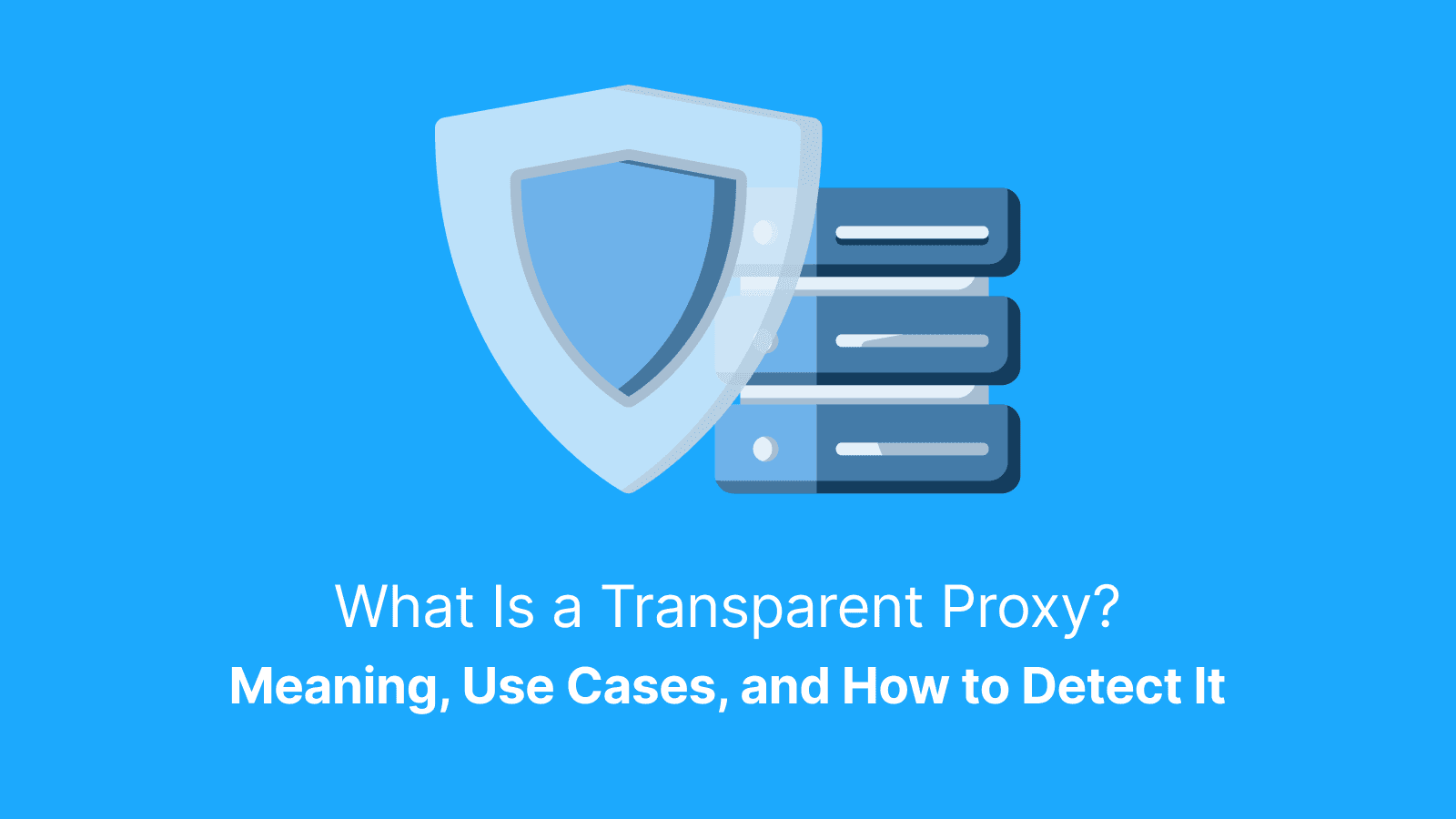

In simple terms, a transparent proxy is a server placed on your network path that intercepts and forwards your Internet traffic. It doesn't need users to configure any proxy settings on their devices.
Think of a transparent proxy as a network checkpoint, but with various policies and optimizations. This article explains how a transparent proxy works, why it's used so frequently, and its limits and associated risks. We’ll also cover policy-approved ways to request exceptions or reduce breakage, and how to confirm whether a proxy is present.
What Is a Transparent Proxy?
A transparent proxy is an inline server that diverts your internet traffic at the network gateway and forwards it to the internet. It is often called an intercepting proxy. It's like your router or firewall.
The key thing is, your browser or app settings remain completely normal. So, you don't have to enter a proxy address. While it's "transparent" in terms of setup, it's not always invisible. Many of these proxies have unique headers in your web requests that reveal their presence. Some networks will display a login or consent page the first time you attempt to browse.
What Is a Transparent Proxy Also Known As?
In technical manuals and admin dashboards, a transparent proxy is also called an intercepting or inline proxy. Some admins also use “forced proxy” to mean traffic is routed through a proxy by policy, but the exact mechanism can vary. A reverse proxy is different; it sits in front of servers. It protects and load-balances backend systems.
Transparent Proxy vs Explicit Proxy
The most significant difference is in the way they are controlled and set up. Explicit proxies must have a hostname and port entered by the user or application itself, and sometimes credentials. This gives you clear control and creates easy-to-read audit logs.
A transparent proxy works by automatically capturing traffic from the network itself, with no setup required on a device. That minimizes the number of support requests for network administrators and ensures that every single user using the network has the same rules.
How Does a Transparent Proxy Work Under the Hood?
First, when you try to visit a website, your traffic hits your network's gateway. From there, a prespecified routing or firewall diverts this traffic onto the transparent proxy process. The proxy against its policies then verifies the request: Should it be allowed, blocked, or can it be served from a cache?
If it permits, the proxy will forward your request to the destination website. It receives the response and sends it back to you. A transparent proxy is mostly useful for its control. In terms of privacy, it's not recommended.
How Does a Transparent Proxy Handle HTTP?
HTTP traffic is fairly easy to inspect in a proxy. This is largely because it's not encrypted in any way. The proxy can read the full URL and headers of your request.
This allows it to apply rules based on categories, such as "social media" or "streaming", and to cache static files, such as images. This enables faster load times for the next user. This is exactly how guest Wi-Fi at a hotel or cafe can filter or accelerate traffic: They do not have to install anything on your phone or laptop.
How Does It Handle HTTPS?
Two modes exist with HTTPS:
- No-decryption mode: The proxy cannot read page content. However, it may still see the destination domain (often via SNI), destination IP, and connection metadata.
- Interception mode: The proxy presents a trusted local certificate and decrypts the traffic to apply policy, then re-encrypts it before sending it to the internet. This relies on the network administrator installing a trusted certificate on all devices. Unfortunately, some applications may fail during interception, especially apps that use certificate pinning or strict TLS validation.
Why Do Organizations Use Transparent Proxy Servers?
One of the major advantages of a transparent proxy is that it can have centralized control with zero user friction. Schools and businesses use them to enforce web-use policies without having to configure each device. They are used by ISPs and campuses to cache popular content and save bandwidth. Networks rely on them to display first-visit sign-in or consent pages before granting full access to their users.
They are used by security teams to control data leaving the network and generate usage reports. What matters is the "no-setup" model. That cuts out help desk calls and provides broad coverage.
Filtering and Policy in Action
For instance, an employee attempts to reach a social media site from work. Their request travels to the transparent proxy. It checks the site against its category list and internal rules.
If "Social Media" is on the blocklist, instead of opening the site, the proxy intercepts the connection. It shows a message informing employees that using social media during work hours is not permitted. Pages that are allowed, of course, load freely.
Authentication and Consent Gates
It may first direct you, on your initial visit, to a sign-in page or an acceptance page for the terms. Once authenticated, the proxy lets them browse, provided their actions are within the rules.
What Are the Limits and Risks of Transparent Proxies?
A transparent proxy is not designed for anonymity. In fact, in many cases, many deployments preserve the client IP for auditing. For HTTP traffic, a proxy may add headers like X-Forwarded-For, but attribution can also rely on network logs or identity systems
It can also become a single point of failure. That is, it may introduce latency or break applications that rely on strict certificate checking or non-standard protocols. Transparent proxies should only be used for control and cache, not as a privacy feature.
TLS and Certificate Headaches
This is the most common problem for end-users: your device doesn't trust the local certificate that the interception proxy is using. Thus, your browser will give a security warning on every single secure site you visit.
Besides that, applications using "certificate pinning" (common in some banking and security apps) will simply decline to connect due to their capability to detect an unexpected certificate. Organizations would need to distribute the trusted certificate properly or create a bypass for those particular sensitive apps.
Compatibility Caveats
Some traffic can break depending on proxy configuration and feature support. Test critical apps early, especially real-time tools, WebSockets-based apps, and protocols that are sensitive to TLS interception. These applications may malfunction or simply refuse to connect. If you're deploying a proxy, be sure you test these applications early.
Further reading: What Is a Proxy Server Address and How to Find It? and What Is a Proxy Browser? Types, Pros and Cons, Risks, Use Cases.
How Do You Detect a Transparent Proxy?
Here is a simple guide to follow:
- Check the headers: Go to one of the several header echo websites out there. Now, check for Via, X-Forwarded-For, or X-Real-IP headers; these headers are strong indicators.
- Inspect the Certificate: On a secure site like HTTPS, click the lock icon in your browser address bar. Then look at the certificate details and check who issued it. If not a public certificate authority, then you're most likely using a transparent proxy.
- The A/B Network Test: Attempt to load the same website while you are still connected to the suspect Wi-Fi. Then try it again using your phone's mobile data hotspot. If a block page disappears on the mobile data, the Wi-Fi network has a transparent proxy.
- Run a Traceroute: Traceroute is not reliable for detecting transparent proxies, because inline devices may not appear as a hop. Use header and certificate checks first.
Header Clues To Check
- Via: This header indicates that the request has already passed through an intermediary proxy server.
- X-Forwarded-For (XFF): XFF records the original IP address of the client. That proves that the request was forwarded.
- X-Real-IP: It often indicates the original client IP.
Note that some networks have already disabled these headers, so if you do not see any of them, that does not mean there is no proxy available.
Certificate Clues To Check
On a secure site, open the lock icon. If the certificate issuer is a corporate CA, it's probably a transparent proxy.
Simple A and B Network Test
This is a simple test that identifies a transparent proxy. When you switch from using Wi-Fi after you step into a different environment, and the behavior of the website changes, that is the source of control. It’s the first network transparent proxy.
How Do You Ethically Opt Out or Work Around a Transparent Proxy?
Here's how to:
- Request an Exception
- Use Encryption
- Switch Networks
- Install the Certificate
App-Level Hardening Tips
Use your browser’s HTTPS-Only mode (or similar setting) and pay close attention to certificate warnings. Some networks handle HTTP/3 differently. In many environments it is blocked or forced to fall back, so don’t rely on it as an interception workaround.
Network-Level Options To Consider
Only use a VPN or privacy relay if your network policy explicitly allows it. Otherwise, request an exception or use an approved alternative network. Some networks block or intercept VPNs, so ask first, before using them.
Transparent Proxy vs Explicit Proxy vs Reverse Proxy?
A transparent proxy enforces policies, and no setup or configuration is required on devices. It's best for big networks where consistent control is required. An explicit proxy requires configuration by the client. It is more suited to targeted routing, testing, and detailed logging.
A reverse proxy protects servers, centralizes TLS, balances load, and makes backend reliability strong.
Where Do IP Proxies Help and When Should You Choose Them?
Explicit IP proxies are required when the internet in some city needs to be used, geo-targeted ads are tested, or public web data is gathered that is not affected by location bias. You will be able to control these proxies directly.
Explicit residential proxies, such as those offered by Live Proxies, allow clear, location-based views and clear audit trails. You can decide when to rotate IPs and at what pace to make your requests.
Live Proxies is a premium proxy provider with both B2C and B2B options, built for explicit proxy use cases like location-accurate testing and ethical web data collection where you need stable sessions, reliable geo coverage, and clean IP allocation. It supports HTTP by default, with SOCKS5 available upon request. It also supports sticky sessions that can last up to 60 minutes, unlimited threads, and 24/7 support.
What you can use Live Proxies for in practice:
- Geo testing and content checks: verify SERPs, ads, pricing, and availability as a local user would see them.
- Stable session workflows: keep one IP for login flows, cart checks, and multi-step QA
- Rotation for sampling: distribute requests across many IPs to reduce blocks and rate limits
- Cleaner results with private allocation: keep your assigned IPs isolated so you avoid noisy overlap on the same targets
- Longer-term identity needs: use static residential options when you need the same home IP to stay consistent over time.
Clean Data Collection Basics
- Use endpoints that are city-targeted.
- Only one IP session exists per login flow.
- Only rotate your IP address after you have collected a full page or data set.
- Pace your requests carefully.
- Always log your requests and results for later auditing and troubleshooting purposes.
Choosing Explicit IP Proxies Wisely
When selecting a provider, look for:
- Original and verified coverage in the countries and cities you need.
- Strong stability of the session to avoid any kind of disconnection during a task.
- A clear and ethical policy.
- Transparent logging practices.
- Responsive customer support.
How Do Admins Deploy a Transparent Proxy Safely?
A safe rollout includes:
- Architecture: Choose between an inline bridge or policy-based routing.
- Redundancy: Create a highly available pair and vigorously test its failover.
- Transparency: Publish a clear policy about what is filtered and what is logged.
- HTTPS Interception: If decrypting, distribute a trusted certificate.
- Log and Privacy: Set strict log retention limits and enforce access controls. Specify who has the authority to view logs and how access is audited.
- Headers: Set up headers so that they are traceable.
High Availability and Bypass Planning
Test every maintenance window explicitly. Confirm that a bypass route exists for applications like credit card processing. Then, document the process while requesting exceptions.
Logging and Privacy Guardrails
You need to be explicit and write out the following:
- What data is stored? If it’s URLs, destination IPs or usernames
- How long is it retained for?
- Who can access it?
- How access is reviewed.
Keep only what you need to meet your security policies and requirements.
What Can Break and How Do You Fix It Fast?
If certificate warnings appear, install the correct trusted certificate or request a bypass. If an application cannot connect, request a direct path or allowlist entry.
If you also find real-time tools lagging, verify if the proxy supports these protocols. Finally, confirm that the fail-open or bypass modes are functioning properly before planning any maintenance.
Quick Triage for End Users
- Try accessing the website or application using a different network.
- Check your system proxy settings for any unexpected manual proxy configuration.
- If you are using a managed network, contact the IT help desk. Provide the exact error message, when it happened, and, if possible, attach a screenshot.
Quick Triage for Developers and QA
- Inspect the request and response headers and the TLS certificate chain. Compare them between a proxied and a non-proxied network.
- Record differences in behavior, timing, and errors.
- Where possible, explicitly add proxy support to your application so that its behavior is predictable and can be easily logged during testing.
Further reading: What Are Rotating Proxies? Setup, Pros, Cons, Types, Alternatives, Use Cases and What Is an Open Proxy? Risks, Examples and Alternatives.
How Do You Test for a Transparent Proxy During a Rollout?
You should develop a test plan during any type of rollout:
- Test List: Begin with a list of key URLs to be tested.
- Establish a Baseline: Record how these sites act on a clean and non-proxied network.
- Test on Target Network: Connect to the new proxied network. Repeat your tests. Record headers, load times, and any error messages.
- Confirm User Experience: Ensure block pages are clear. Trace headers should appear as configured.
- Prepare Exceptions: Have an allowlist ready for the brittle domains before going live.
Success Criteria To Check
Your rollout is a success when:
- There are no unexpected certificate warnings for standard browsing on managed devices, and known pinned apps have an allowlist or bypass plan.
- Block and policy pages are readable, and there is a path for help.
- Approved bypass routes for critical apps work instantly without added latency.
Rollback Steps To Prepare
Always have a rollback plan by:
- Maintaining a documented network bypass that can be enabled in less than five minutes.
- Clearly communicate this rollback path to the help desk so they can swiftly take action if user impact is too high.
How Do You Explain Transparent Proxies to Non-Technical Teams?
Use this: “Think of a transparent proxy as a checkpoint on everyone’s network. It checks where you’re going to make sure that it’s safe and approved, it can block sites that are dangerous, and make downloads faster. It does not hide your identity. Users can request exceptions for legitimate apps and should report problems quickly with clear details”.
One-Page Handout Outline
- What Is It: A network checkpoint
- Why Is It Used: To protect and make the network fast.
- What We Log: Records of websites visited, not what you typed or did there. It’s for security purposes.
Support Tips
Train users to include the three key information below in every ticket:
- The exact time the problem happened
- The full website address/URL or app name.
- The complete error message or a screenshot.
Conclusion
A transparent proxy provides central network control and performance caching. All without a single change to user devices. It's really very useful for enforcing policy and saving bandwidth at schools, offices, and on ISP networks. However, it is not a privacy feature, and can sometimes break secure apps and games. You now have a clear overview of how it works, how to detect it, and when to ask for exceptions. You also know when explicit IP proxies, especially proxies from Live Proxies, are better suited for location-accurate testing or ethical data collection.
FAQs
What Is a Transparent Proxy Server?
A transparent proxy server sits in between a user and the internet to intercept network traffic. No configuration is required on the user's device. By default, it operates at the network level, and thus, you may not notice that you're using one. To test this, simply run a quick check by examining your web request headers and the certificate of a site.
How Does One Detect a Transparent Proxy?
You can detect a transparent proxy by looking at headers, such as Via or X-Forwarded-For. The second method of detection is checking on an HTTPS site. You can click the lock on the site and see that the certificate is issued to your company or an appliance, not a public authority. You can use both methods to truly know you're using a transparent proxy.
Is a Transparent Proxy Anonymous?
No, a transparent proxy is not meant to be for anonymity. In most cases, it will keep your original IP address intact. Often, it also adds special headers to the request that are used for logging and auditing purposes. For better privacy while browsing or testing from a different location, consider using explicit residential or ISP proxies.
How Would a Transparent Proxy Handle HTTPS Traffic?
A transparent proxy manages HTTPS primarily in two ways. It can operate in a "no-decryption" mode. It can only see the website domain you are visiting in this mode. The second is an "interception mode". This employs a trusted local certificate to decrypt, scan, and re-encrypt the full content of your traffic. Such intercept modes may cause apps to fail, especially those that implement an extra layer of security through certificate pinning. If you find yourself in such a situation, request a bypass from your IT team.
Transparent Proxy vs Explicit Proxy vs Reverse Proxy
A transparent proxy is enforced by the network with no user setup. It is ideal for filtering and caching user traffic. An explicit proxy requires you to configure settings on your phone manually. This makes it great for controlled testing and logging. A reverse proxy sits in front of web servers to protect and scale backend services. Choose based on your goal: policy enforcement, controlled routing, or server protection.
How Do I Work Around a Transparent Proxy Without Breaking Rules?
Working around a transparent proxy in an ethical manner first involves requesting an exception from the network owner. Your reasons should be legit. If that is not possible, you can use another approved network that your policy allows. For example, your mobile data. You may also decide to make use of a VPN, but only if it's permitted. Following organizational guidelines helps to avoid compliance issues and ensures access remains predictable and secure.