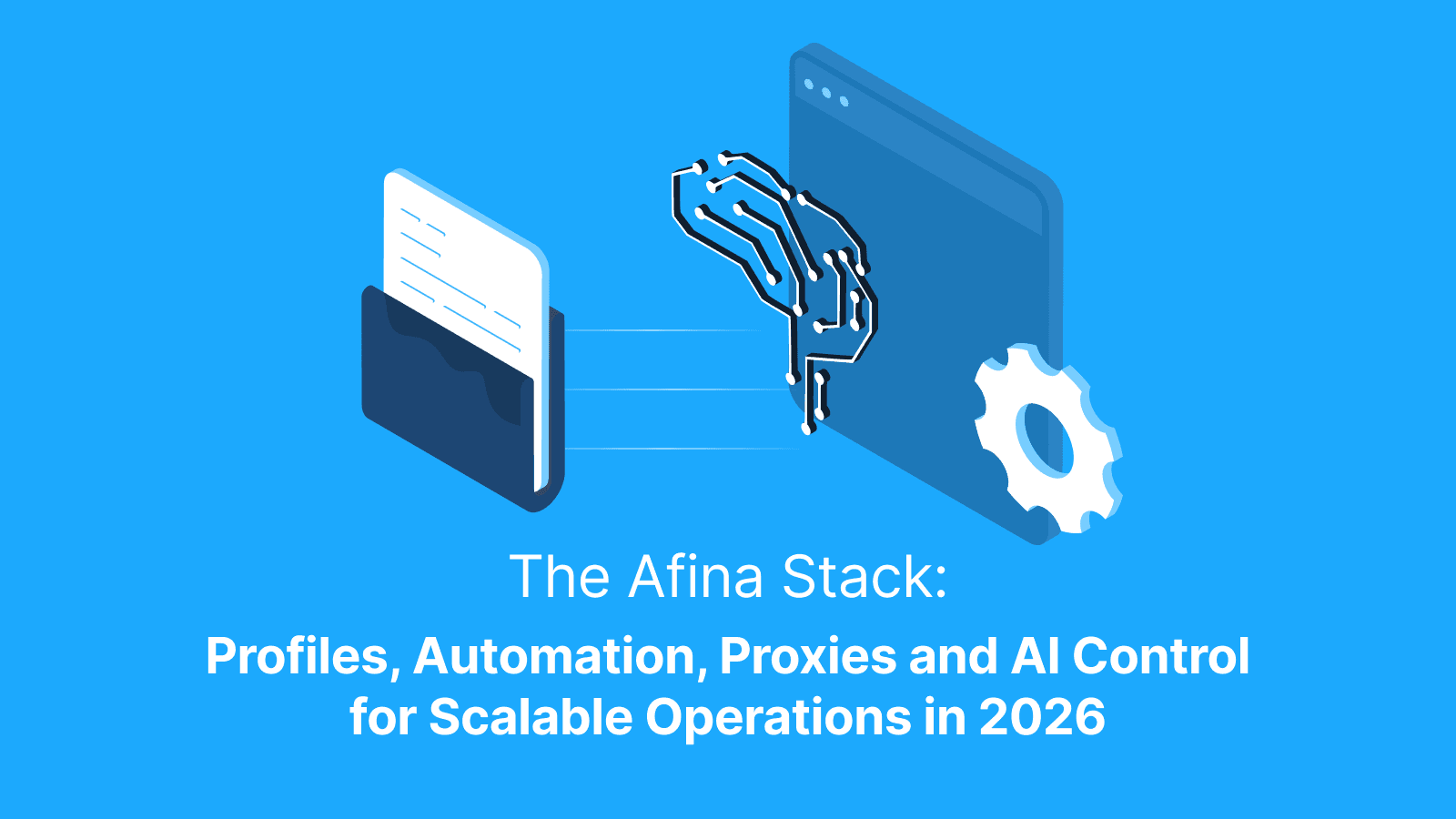

Running serious multi-account operations in 2026 is no longer a single-tool job. You need isolated identities that hold up under anti-fraud, a way to automate the repetitive parts, a network layer that does not leak, and increasingly a way to hand routine control to an AI agent. Stitching these together from separate products creates gaps, and gaps are exactly where accounts get linked or banned.
Afina Browser is built as one connected stack instead of a loose collection of features. Each layer is designed to work with the others, so a profile, its automation, its proxy, and its AI control share the same source of truth. This article breaks the stack into its main parts and shows how they combine in practice.
Why a unified stack matters for scalable operations
The cost of disconnected tools is hidden until it is not. A fingerprint set in one app, a proxy managed in another, and scripts run from a third leave seams where settings drift out of sync. A timezone that does not match the proxy, a WebRTC path the script does not know about, a profile that automation opens without its real isolation: each seam is a detection signal.
A unified stack removes those seams. When the same system owns the identity, the connection and the automation, consistency becomes the default rather than something you maintain by hand. That is the difference between managing twenty accounts and surviving two hundred.
1. Isolated profiles, the foundation of the stack
Everything starts with the profile. In Afina each account runs in its own isolated environment, with separate cookies, localStorage, cache and network settings, so no two profiles share state.
The identity of each profile is built from real device configurations rather than random values, which is what lets it blend in instead of standing out. Key capabilities of the profile layer include:
- User agent and operating system selection that matches the rest of the profile;
- Canvas, WebGL, Audio, and Rects noise to change how tracking scripts read the hardware;
- Fixed screen resolution, CPU thread count, and device memory set to realistic values;
- Timezone from IP and Languages from IP so the clock and headers follow the proxy region;
- Automatically generated fonts and a one-click Generate new fingerprint action
The result is a set of stable, believable identities that behave like real returning users, which is the foundation everything else is built on.

2. Automation, the engine of scale
Isolated profiles solve identity. Automation solves volume. Afina includes a visual, no-code builder where you assemble scenarios by dragging and connecting blocks such as clicks, transitions and checks on a canvas.
When blocks are not enough, you can write custom Node.js modules that run inside scripts, with a re-sign step that keeps changes secure. Task groups then control how work runs at scale: parallel session limits, script duration and schedules, which is how warm-ups and routines run in measured shifts rather than detectable bursts. A built-in Automation Hub catalog offers ready-made scripts and modules you can download straight into your workspace. The fuller picture of browser automation in Afina shows how these pieces fit a real workflow.
Scripts run in normal, headless or browserless modes, so the same logic scales from a single profile to a large pool without rewriting it.

3. The proxy and network layer
Identity and automation still fail if the connection gives you away, so the network layer sits inside the same stack. Afina works with HTTP, HTTPS and SOCKS5 proxies and supports residential, mobile and datacenter addresses, which lets you match the connection type to each platform.
The part that matters most for realism is UDP handling. When a SOCKS5 proxy carries real UDP support, WebRTC, QUIC and WebTransport route through it automatically, so the WebRTC public IP and the proxy IP agree without manual spoofing. The mechanics of UDP over SOCKS5 routing explain why that produces a cleaner network footprint. Where a proxy has weak UDP support, you can disable WebRTC entirely from the main settings to close the leak path.
Because the proxy assignment lives next to the fingerprint, the timezone and language follow the proxy region automatically, and the seams between identity and connection disappear.

Where Live Proxies Fits Into the Stack
For Afina profiles to behave like real users, the proxy assigned to each profile has to be stable, private and regionally consistent. Live Proxies fits this layer by providing private residential, static residential and rotating mobile proxies for multi-account workflows, web scraping, SEO monitoring, ad verification and market research.
Rotating residential proxies work well for high-volume automation because they can refresh IPs across millions of IPs in 55+ countries. Sticky sessions of up to 24 hours help when a workflow needs continuity, such as account warm-up, logged-in browsing, checkout flows or localized SERP checks.
Inside Afina, the browser profile can be aligned with the selected proxy, matching the timezone, language settings, and network behavior to reduce fingerprint inconsistencies.
Furter reading: What Is a Proxy Browser? Types, Pros and Cons, Risks, Use Cases and Multi-Accounting With Lower Detection Risk: When You Need an Anti-Detect Browser and What It Allows You to Do?
4. MCP and AI control, the automation layer for agents
The newest layer is control by AI. Afina exposes a local HTTP API running on 127.0.0.1:50778 without cloud rate limits, and an official MCP server that connects AI agents such as Claude Code directly to that API.
Through this layer an agent can drive the whole stack programmatically. Its capabilities include:
- Creating and editing profiles with specific proxies and fingerprints;
- Controlling active browsers to evaluate JavaScript, find inputs and take screenshots;
- Writing, editing and signing custom Node.js modules;
- Generating visual RPA scripts on the fly and setting up task schedules;
- Auditing proxies and managing encrypted variables
The catalog of MCP automation scenarios shows how an agent can turn a plain-language goal into real browser actions across many profiles.
How the Afina stack works together in practice
The value shows up when the layers run as one. Picture a routine task at scale. You start by creating a batch of profiles, each with a realistic fingerprint and a matching residential proxy, so identity and network are aligned from the first second.
Automation then takes over the repetitive work. A no-code script handles the warm-up steps, task groups spread the runs across scheduled shifts with safe parallel limits, and the proxy layer keeps WebRTC and timezone consistent throughout. If you want to lift the manual ceiling further, an AI agent connected through MCP can spin up new profiles, adjust scripts and react to what it sees on the page, all while the data stays encrypted locally with AES-256 under your own key file.
No layer works in isolation, and none of them drift out of sync, because they were built as one system rather than bolted together.
Conclusion
Scaling account operations in 2026 is a question of how well your tools agree with each other. Isolated profiles give you believable identities, automation gives you volume, the proxy layer keeps the network honest, and the MCP layer lets an AI agent run the routine for you. Afina Browser brings those four layers into a single stack, so consistency is built in rather than maintained by hand.
Promo codes for new users:
- SALE20 - 20% off all plans except Max
- SALE30 - 30% off the Max plan
FAQs
What makes Afina a stack rather than a single tool?
It combines isolated profiles, no-code and scripted automation, a proxy and network layer, and an MCP and API control layer in one environment. Because the layers share the same settings, identity, connection and automation stay consistent.
Can an AI agent really control the browser?
Yes. Afina exposes a local HTTP API and an official MCP server that connects agents such as Claude Code, letting them create profiles, run scripts, evaluate JavaScript and manage tasks programmatically.
Does the proxy layer prevent WebRTC leaks?
When a SOCKS5 proxy supports real UDP, WebRTC routes through it so the public IP matches the proxy. If UDP support is weak, WebRTC can be disabled entirely in the main settings.
Is my data safe across devices?
Sensitive data is encrypted locally with AES-256 under a key file and master password. Profiles can sync through Google Drive, and that synced data stays encrypted, readable only on a device that holds your key.